





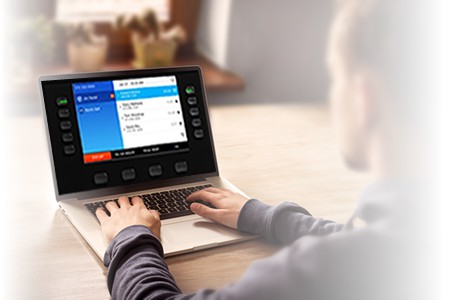

Remotely control Cisco 9800 Series and 8875 on Webex Calling from your desk.
UPLINX Remote Phone Control for Webex Calling
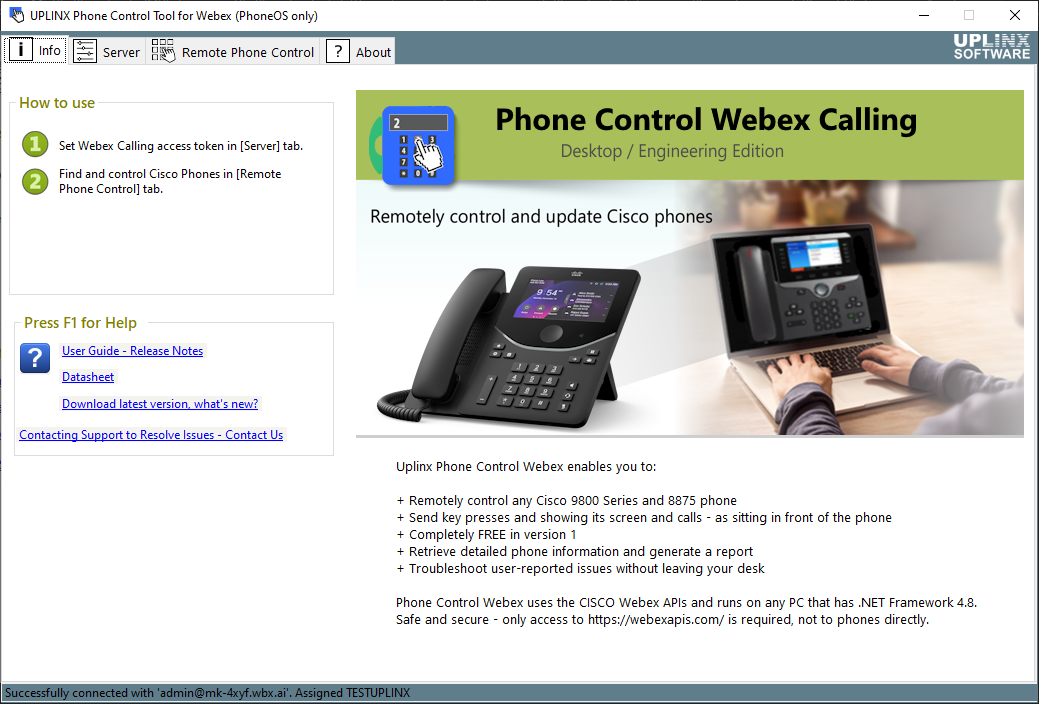
- Remotely control Cisco PhoneOS phones (9800 Series and 8875) directly from your desk
- View the live phone screen without visiting the device
- Retrieve detailed phone information including firmware, IP address, and registration status
- Generate a phone report with screen captures for documentation and support records
- Troubleshoot user-reported issues without leaving your desk
Remote Phone Control for Webex Calling has been reviewed by Cisco and more info is at the Cisco Webex Control Hub.
If your phones are connected to Cisco Unified Communications Manager (CUCM) on-prem or in the Cisco cloud (aka Webex Calling instance), please use our Phone Control Tool for CUCM.
Try UPLINX Remote Phone Control for Webex Calling for FREE - Version 1 is completely free!
To get started, all you need is:
- Download & install on any Windows machine — no registration required.
- A Webex Calling administrator account to authorize access via OAuth — no credentials or secrets are shared with the tool.
We welcome your feedback to help shape future versions of this product. To share your experience or suggestions, please leave your feedback.
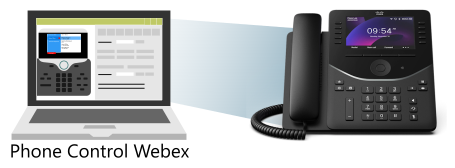
Remotely control Cisco Phones on Webex Calling
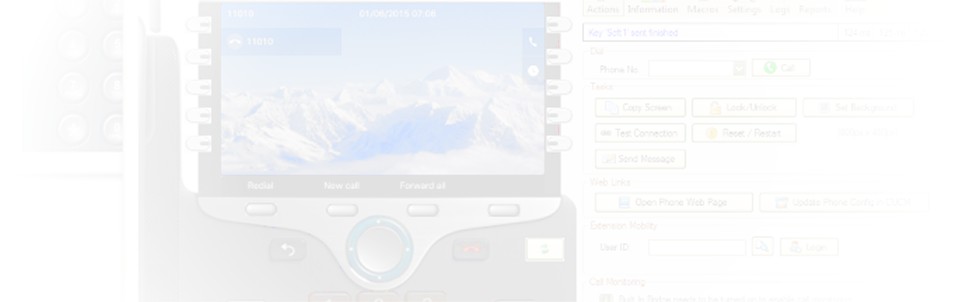
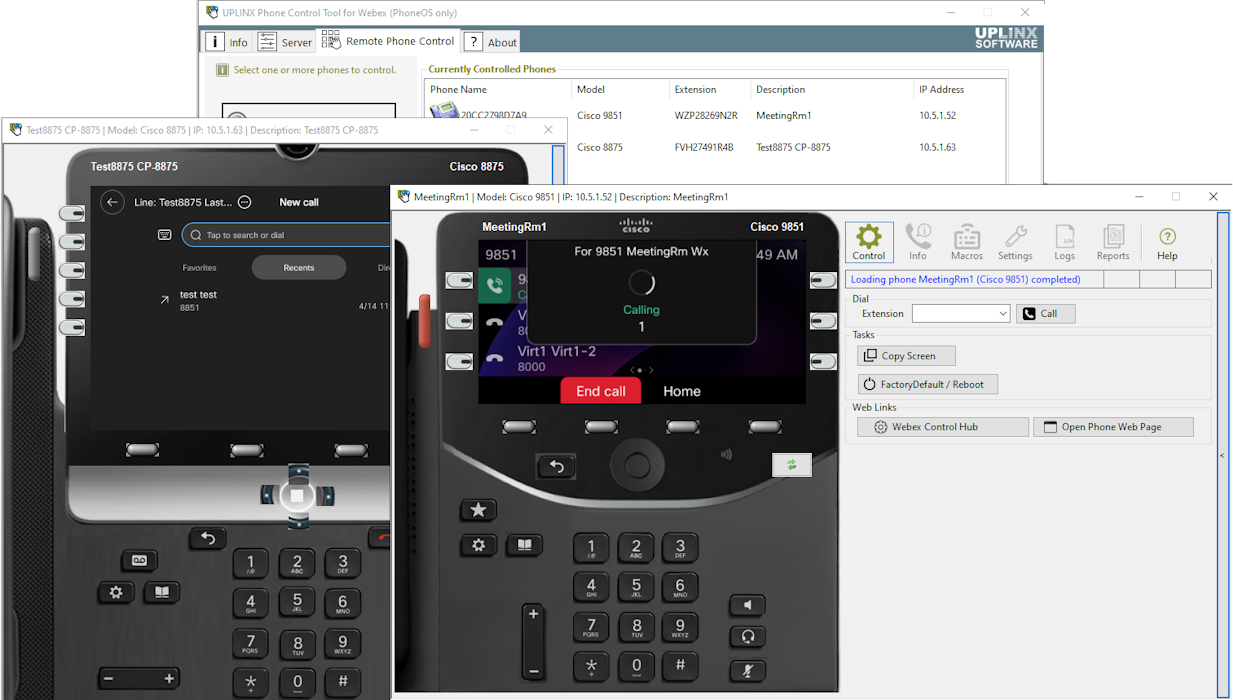
Remotely control Cisco phones from your desk — press keys and view the phone display as if sitting at the phone.
View button lamp colors indicating DND, Hunt Group, Privacy, and more. Supports all Cisco PhoneOS phones. MPP phones are not supported due to missing cloud APIs.
Screen Captures
When remote controlling a phone, save the display image for user guides and as-built documentation.
Create a report with screenshots of selected phones. Verify phone screens after background image deployments or migrations.
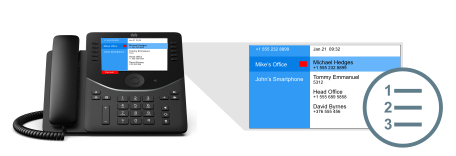
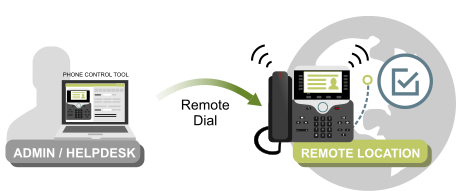
Test a Remote Phone
Remotely log in an Extension Mobility profile, check the phone display, and place a call — all without leaving your desk.
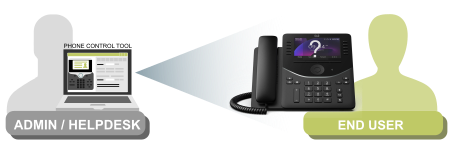
Remote Training and Support
Support staff can help an end-user while viewing and controlling the remote Cisco phone to explain unique features such as Group Pickup, Conference, or Hunt Group.
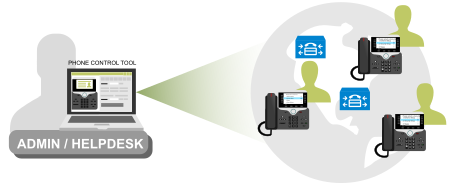
Connect to Multiple Webex Calling Organizations
Connect concurrently to phones across the same or different Webex Calling organizations.
Supported Cisco IP Phones
- All phones running PhoneOS
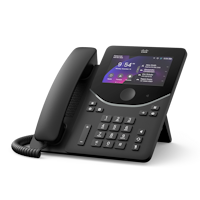
- 9800 Series (9811, 9841, 9851, 9861, 9871)
- 8875

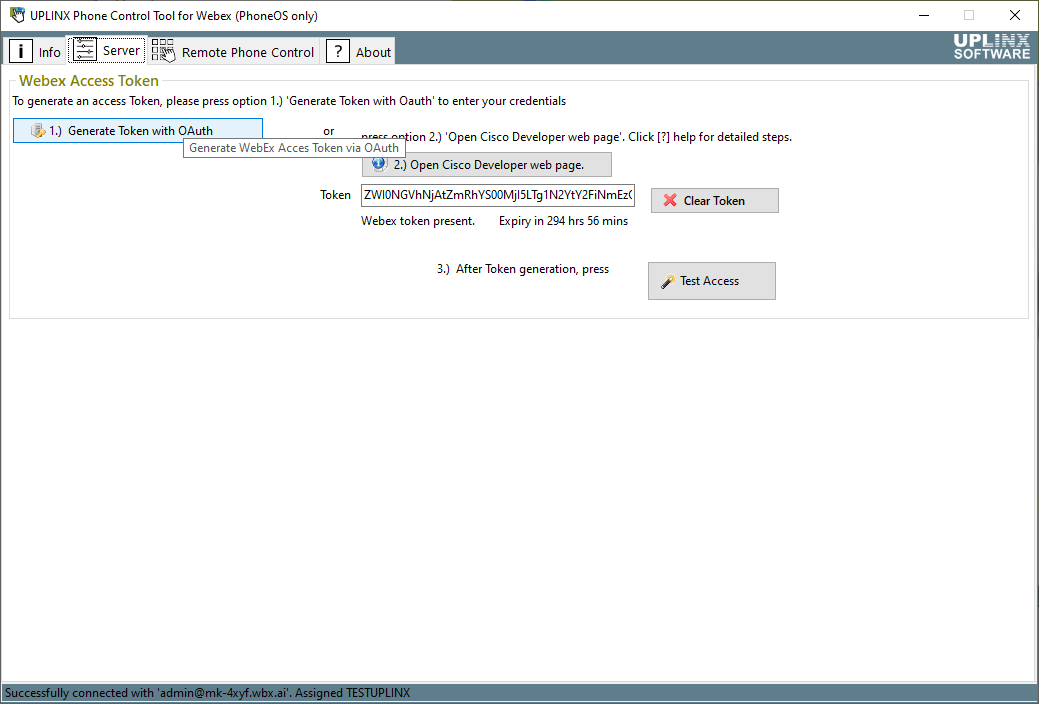
Phone Control for Webex connects securely to Webex Calling using a temporary access token. The token can be obtained via OAuth login through your browser, or generated manually on the Cisco Webex web page.